YOUR CREW
The people who run the trip — front and center.
A client isn't booking a boat or a logo. They're trusting a person to put them on fish or on game and get them home. Give every guide and captain a photo and a real bio, on your own site, in your brand.
When someone books a guided trip, they're handing over a day — sometimes a once-a-year trip they've saved for — to a person they've never met. The single thing that settles that is seeing who's actually going to run it. A face, a name, and a few honest lines about the water they know or the country they hunt does more than any tagline.
Timber & Tackle gives you a crew page: every guide and captain you run, with their photo, their name, and a bio in your words. Add your deckhands, your dog handler, your second boat's captain — the whole operation, presented like the professionals they are, on your own site.
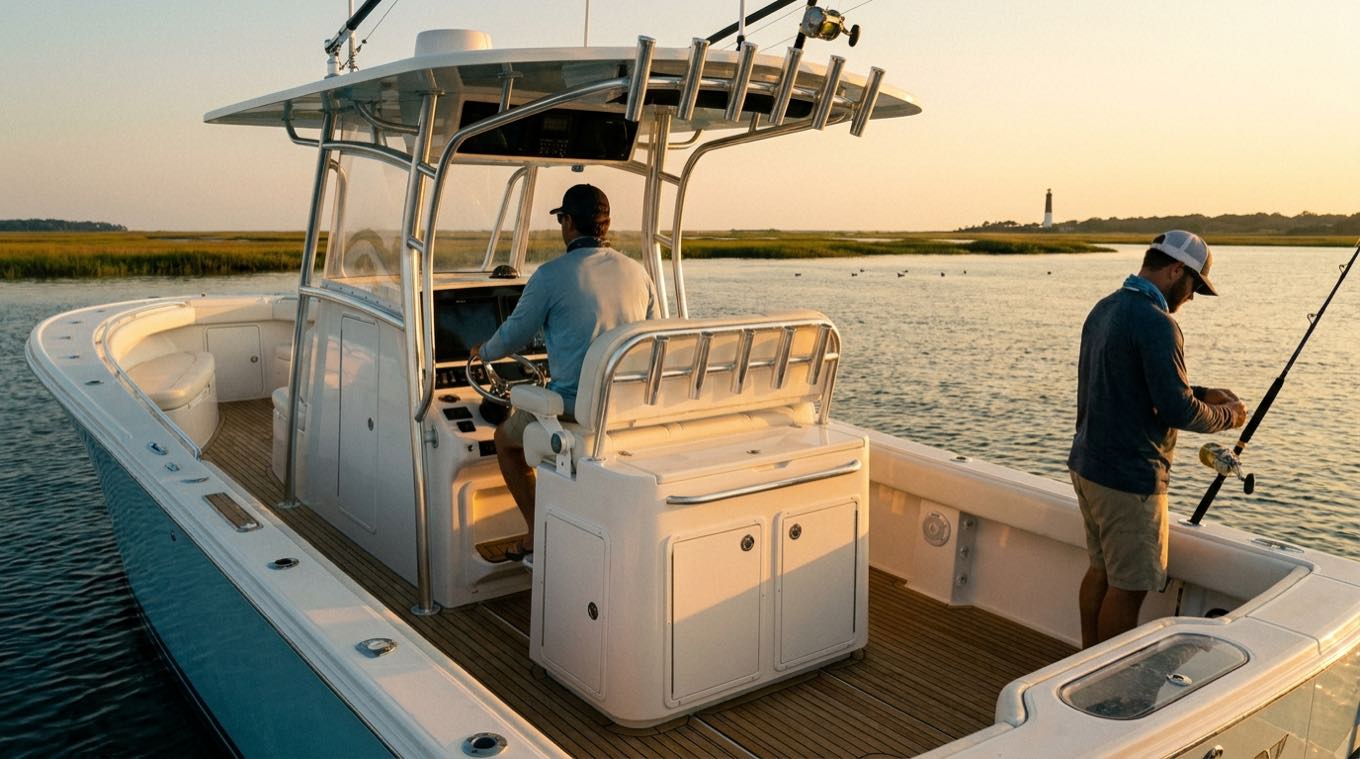
A client books a person
A photo and a real bio turn a name on a website into someone a client trusts with their day. That's what closes a premium booking, not a stock headshot in a grid.
Show the whole operation
Multiple captains, a second boat, deckhands, a dog handler — list everyone who makes the trip run, so a client sees a real outfit, not a one-line profile.
Bios in your words
Years on the water, the fisheries or units they know cold, the guides they came up under — the details only someone who guides would write, not generic filler.
In your brand, on your site
The crew page is part of your own site, in your look, on your domain — not a roster field on a marketplace template that reads the same as everyone else's.
How it works
- 1
Open your crew section
In your dashboard, go to the crew section of your site and add a member.
- 2
Add a photo and a bio
Upload a good photo of the guide or captain and write a few honest lines — where they guide, how long, what they specialize in.
- 3
Add everyone who runs a trip
Repeat for each guide, captain, and hand. Reorder them however you want your operation presented.
Why it matters
Trust is the whole sale on a premium trip. The guide who shows real people — with faces and honest bios — outbooks the anonymous listing every time, because a client can picture the day and the person running it before they ever pay a deposit.
And it's on your own site, so that trust compounds for you. A marketplace roster builds the platform's credibility; your crew page builds yours — the brand a client remembers and rebooks next season.
Straight answers.
How many guides can I add?
As many as you run. Add every captain, guide, and hand who works your trips — the crew page is meant to show the whole operation.
Do I write the bios myself?
Yes, in your own words — that's the point. A bio that reads like someone who actually guides beats generic filler. If you imported an old site, we can pull existing bios in to start.
Is it my site or a marketplace profile?
Your own site, your own domain, your brand. The crew page is part of the site we build you — not a roster field on someone else's platform.
Related: Your guide website · Credentials & insurance · All features
Let a client meet the crew before they book.
We build your whole site free and send you a link. Look it over. If the math doesn't move you, you've lost nothing.
Get your site built — freeFree until you accept your first booking, then $19/mo · keep every listing you have · built before you decide
We will never take a cut of a client you brought us.